What is Gradr's AI Assistant?
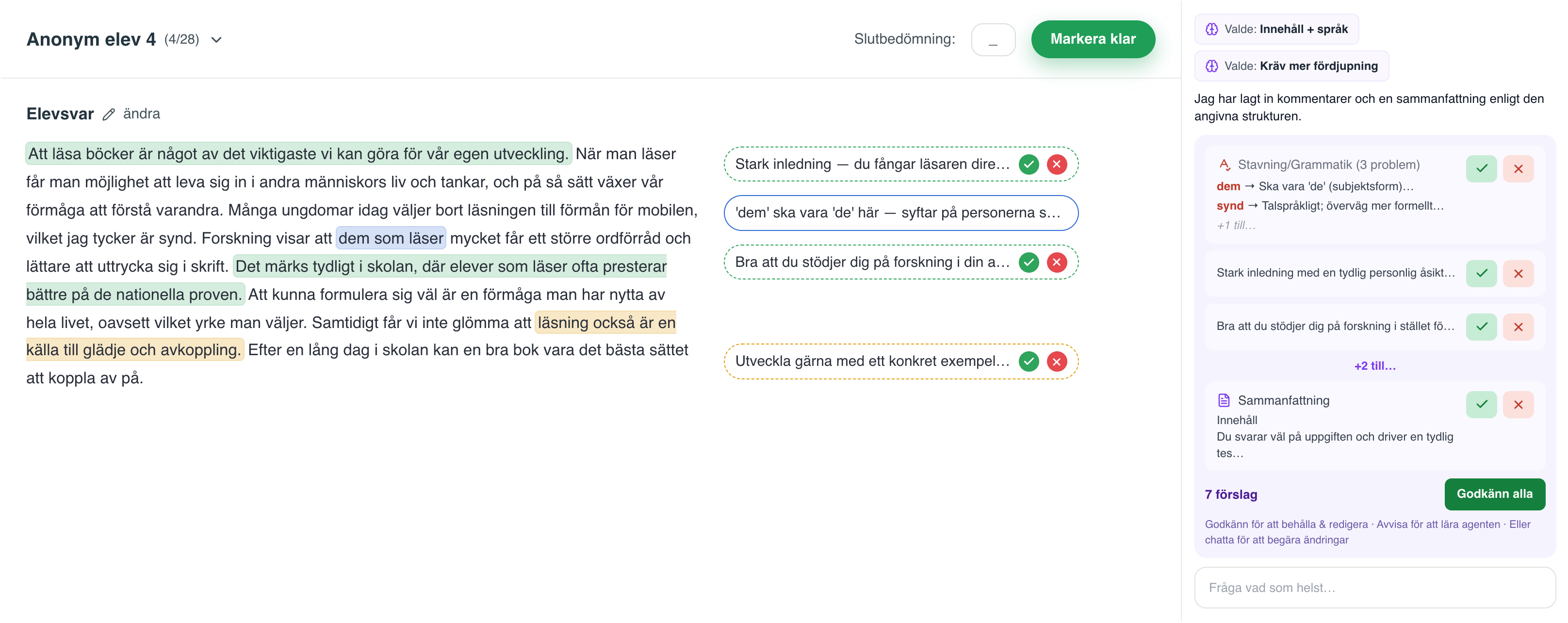
Gradr's AI Assistant is an AI agent that supports the teacher's formative feedback on written submissions. It reads every student answer and suggests feedback based on the teacher's own instructions, assessment criteria and the curriculum, and the teacher approves every comment before it reaches the student.
How does Gradr create feedback for students?
Gradr starts from the teacher's own instructions, assessment criteria and the curriculum. The AI in Gradr suggests formative feedback for every student, and the teacher reads, edits and approves every comment before anything is published. No feedback in Gradr reaches a student unless the teacher has actively approved it.
Is it automated marking?
No. Gradr is not automated marking. The teacher creates and holds exams and assignments in Gradr, and the AI suggests comments based on the teacher's own instructions, assessment criteria and the curriculum. The teacher is in charge all the way, and reads, edits and approves every comment before it reaches the student.
Does Gradr set grades or scores?
No. Gradr never sets grades, scores or summative assessments. Multiple-choice questions are marked deterministically against the teacher's own answer key. Summative assessment is an exercise of public authority and always stays with the teacher; Gradr is built for the formative step before the grade.
Can Gradr mark a whole class at once?
Yes. Gradr collects the whole class's answers, suggests individual feedback for each student based on the same criteria, and the teacher approves and hands back the results. The teacher can upload student answers as PDF or DOCX for the whole class at once, or create and hold the exam directly in Gradr and examine in locked mode.
Who decides how the feedback should sound?
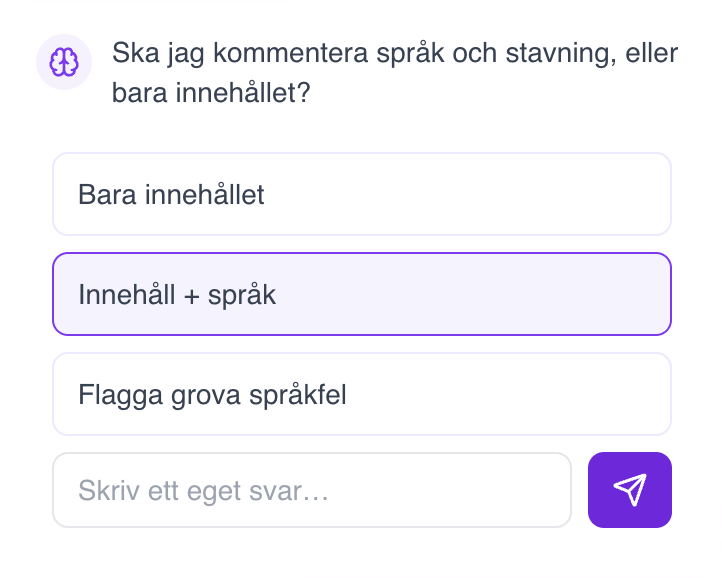
The teacher. The teacher sets the guidelines: the tone, what the AI should look for, what it can let go and what it should pay extra attention to. When the AI is unsure, it asks the teacher instead of guessing, and it learns from the answers.
What kinds of feedback does the AI Assistant suggest?
Factual comments, grammar, reasoning, affirming feedback, structure, source evaluation and next steps, always tied to that student's own text. The teacher approves, edits or removes every suggestion.
Can the teacher write the comments themselves?
Yes. Teachers who prefer to write the comments themselves can get help from the AI along the way and edit by hand what the AI has already written. The teacher can also jot down observations in a few keywords, and Gradr turns them into detailed feedback in the teacher's tone.
Are students' texts used to train AI models?
No. Student and user data may never be used to train AI models. AI processing happens within the EU, in Microsoft Azure OpenAI (EU Data Zone), and an AI request for feedback contains no identifying information about the student.